Happy 2026! 
We have shipped three new cell types that make AnyDB more useful in day-to-day operational workflows. These features are focused on visibility, scanning, and fast lookup, not dashboards for their own sake.
Chart Cells (Line, Bar, Pie)
See more details: Chart Cells | AnyDB
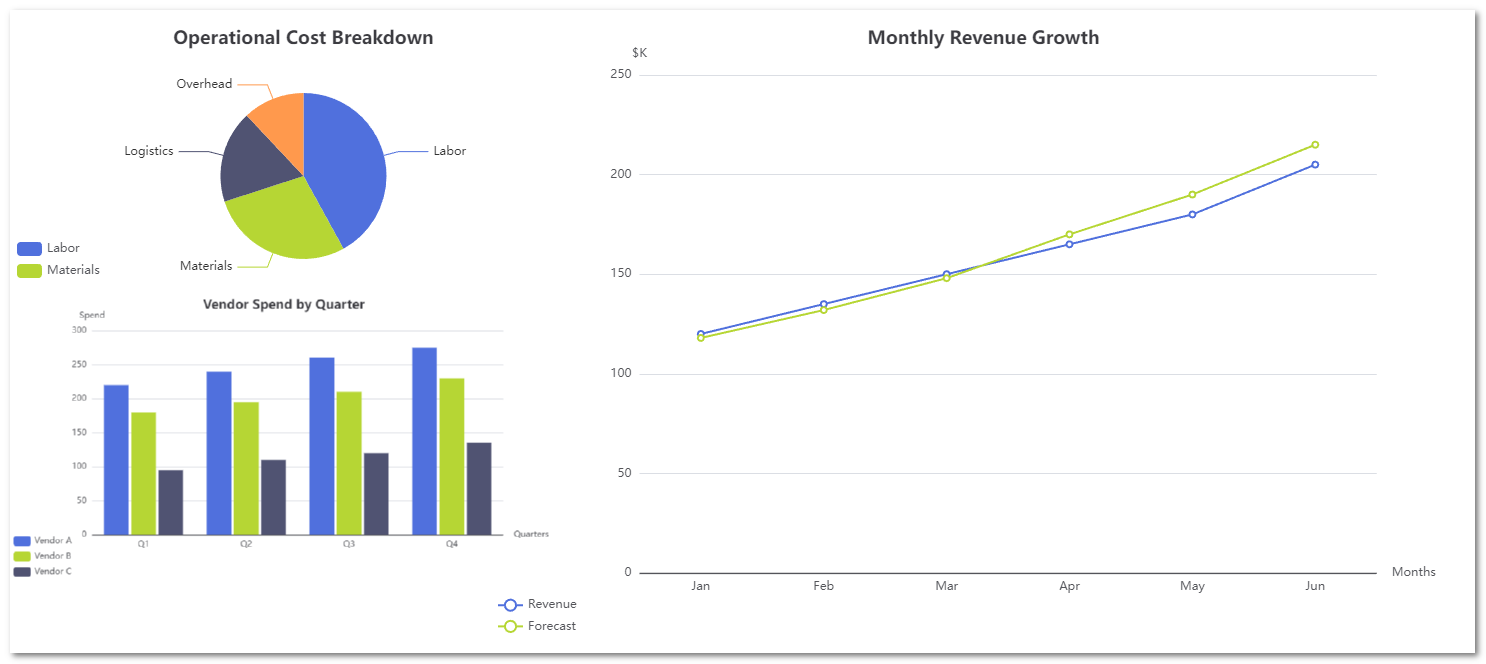
You can now render charts directly inside a record by referencing array-based cells.
What this enables
- Trend tracking next to the operational object (projects, vendors, inventory)
- Actual vs forecast comparisons
- Spend, volume, and KPI visibility without exporting data
Supported chart types
- Line charts for trends and targets
- Bar charts for comparisons across vendors, locations, or periods
- Pie charts for breakdowns (costs, issues, allocation)
Charts are lightweight and update automatically when source values change. They are designed to live inside records, not replace BI tools.
2. Barcode Cell
See more details at Barcode Cell | AnyDB
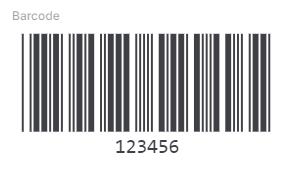
You can now generate machine-readable barcodes from any value in a record.
Key capabilities
- Supports multiple barcode standards (Code 39, Code 128, ITF, MSI, Pharmacode, Codabar)
- Option to expand the barcode to fill the full cell width
- Option to display the encoded value below the barcode
Typical use cases
- Inventory and asset tagging
- Warehouse and logistics workflows
- Regulated environments like pharma or healthcare
- Manufacturing and WIP tracking
Barcode cells render from a referenced value and stay in sync automatically.
QR Code Cell
See more details QR Code Cell
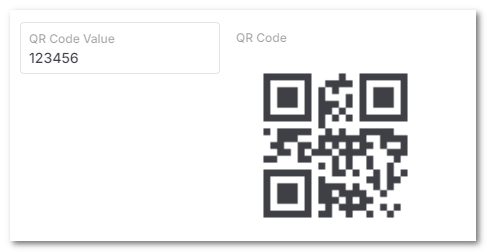
You can also render QR codes directly inside records.
What this is for
- Mobile-first scanning
- Field inspections and audits
- Asset and equipment lookup
- Linking physical items to digital records
The QR Code cell is intentionally simple. It renders a QR code from a referenced value with no additional configuration.
Bonus: Barcode / QR Code Search
Along with Barcode cells, we added Barcode Search.
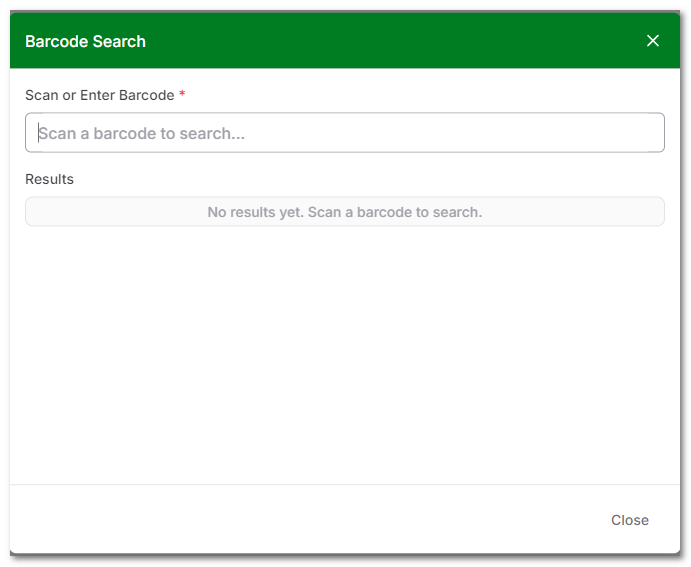
- Click the barcode icon next to the search box in the top navigation
- The search box auto-focuses
- Scan a barcode or paste a value
- AnyDB opens the matching record instantly
This is optimized for hardware scanners that act like keyboard input.