 New Features
We have been busy at work helping customers deploy their systems with AnyDB and there are also many quality of life improvements in the last month. Additionally, some big UX changes are also in the works and should be available soon.
Custom View Support
It is now possible to create custom views of listings and save it for quick access.
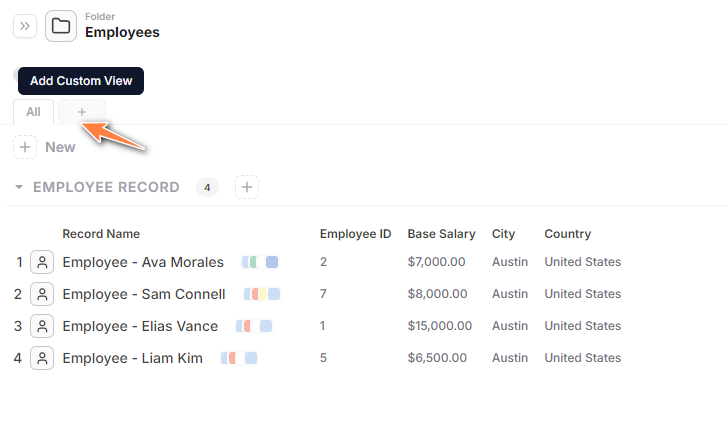
To create a new view, click on the [+] option next to the All Tab.
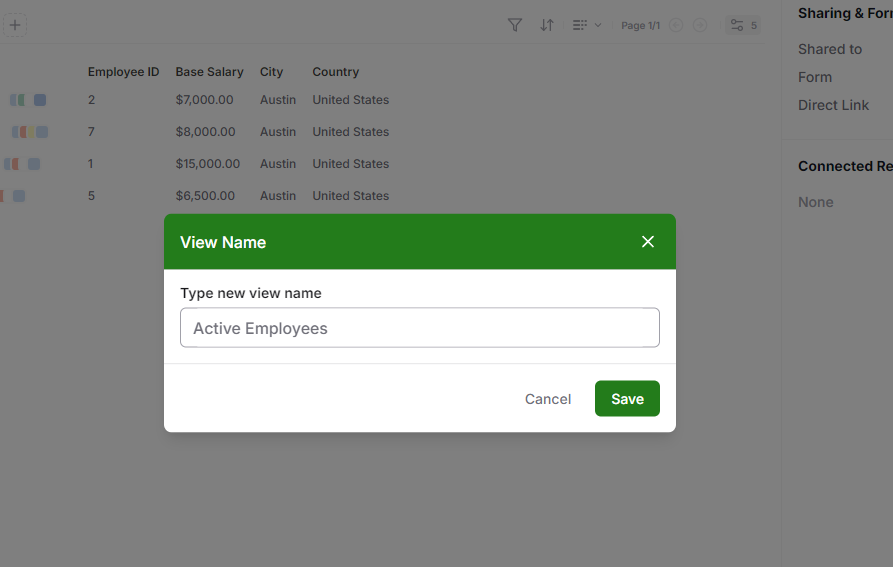
Then type a name for the view
A new view is created
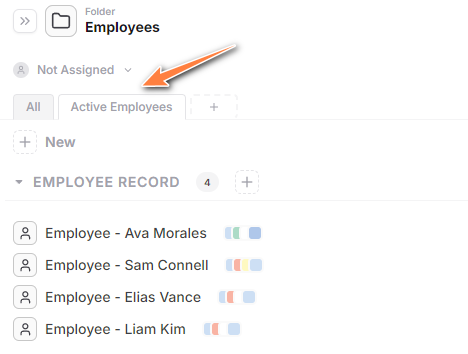
Now change the view options and settings as you prefer.
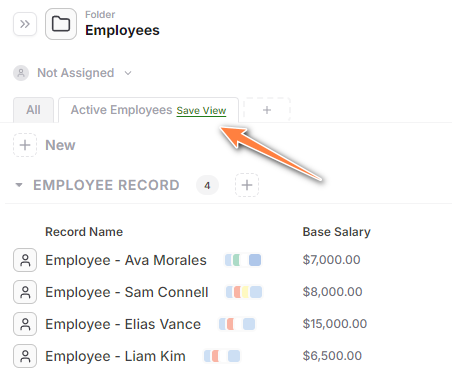
A “Save View” link appears, click on that to save the view
Note that this custom views can be applied for folders, attachments and even attachment cells as well. It is also possible to create these views inside templates so that when using the records the data is already laid out in a way that works for you and your business.
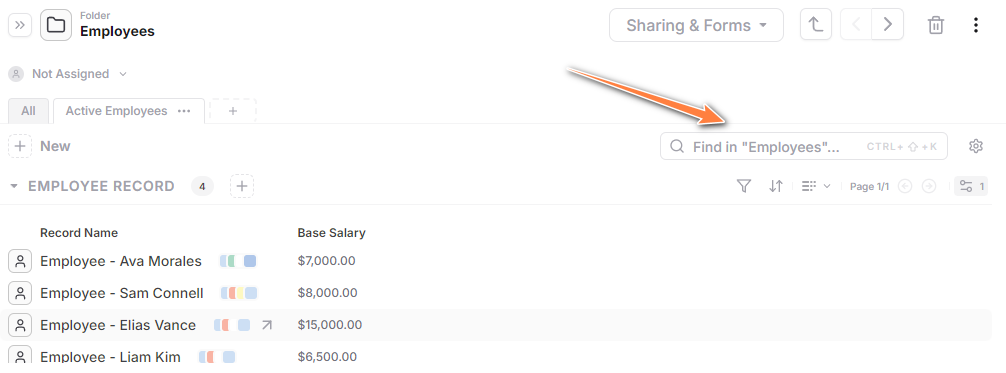
Quick Filter of Records
You can filter records quickly using the new Filter option.
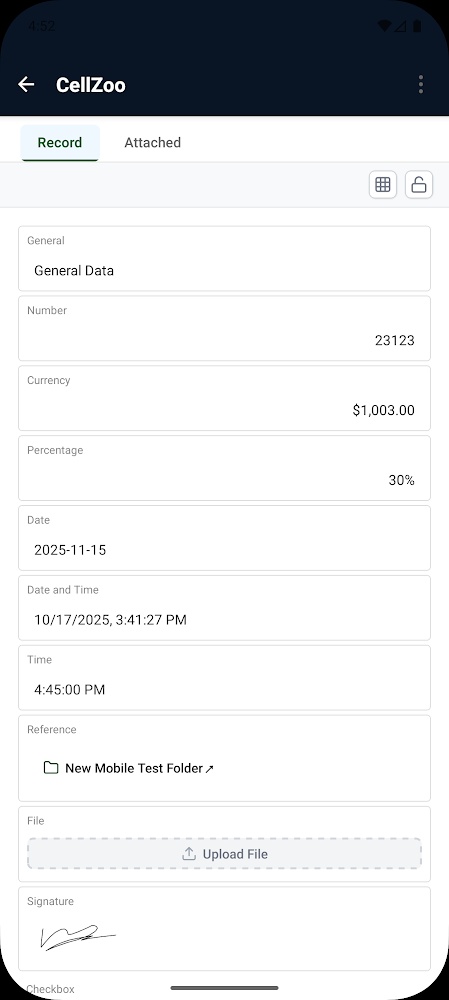
Android Phone Supports Responsive Mode for Editing Records
In phone layouts, the Android app will render the record in a straight single form mode. You can also switch to a full Desktop mode if you want.
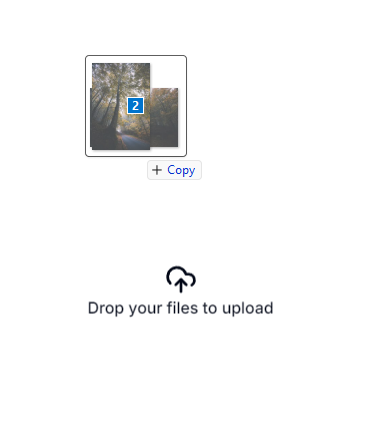
Drag and Drop File Uploads Anywhere
Instead of clicking on New and selecting file to upload, you can also drag and drop files or folders directly into any Database view (Folders, Attachments etc) to quickly upload files.
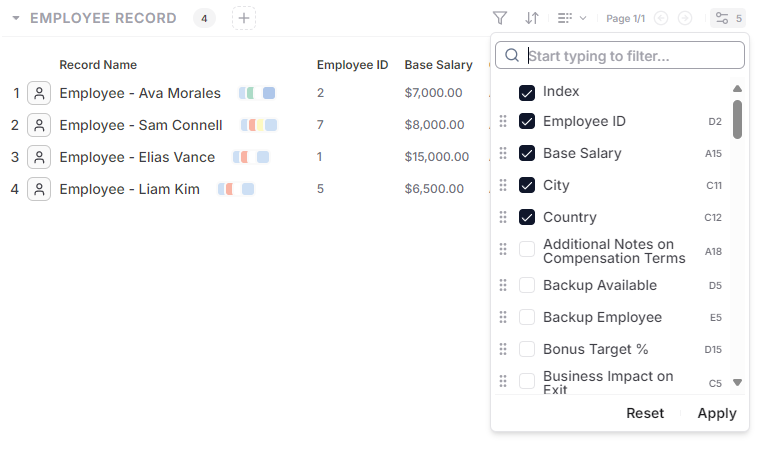
Select Cells to view in Listing View
You can easily select the specific fields you wish to see from the records in listing views. Additionally you can also select “Index” if you wish to see a count of the records in the list.
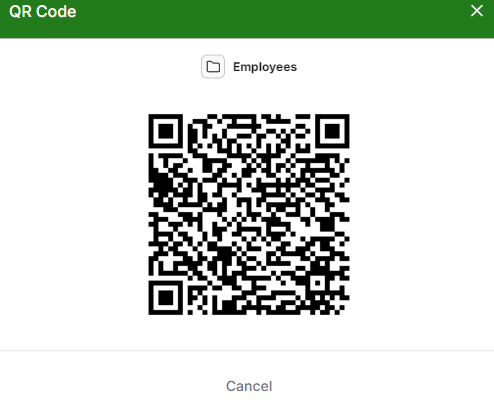
Access a Record using QR Codes
It is possible to generate a QR code for a record which when scanned will open the record (as long as the user is logged in)
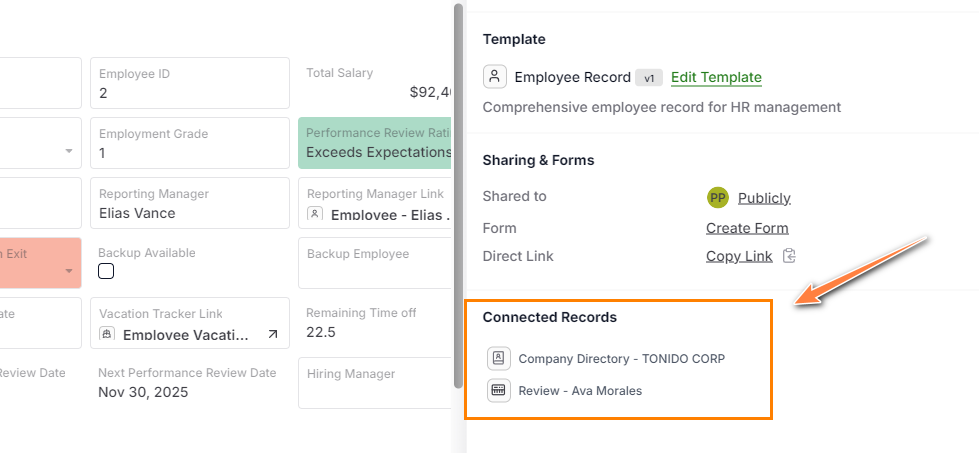
View Connected Records List from another Record
It is possible to show connected records from the record view.
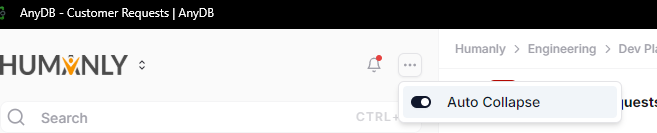
Auto Collapse Left Menu
You can collapse left side menu to give more space for record editing when desktop space is at a premium. Enabling the Auto Collapse setting, will collapse the menu.

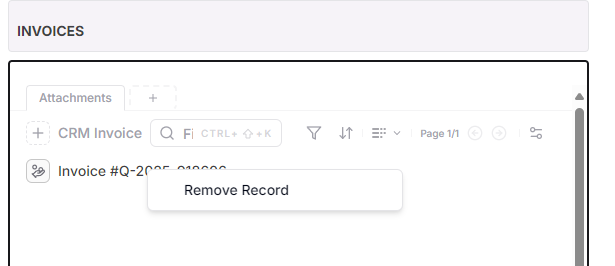
Right Click to Delete Records in Attachments
You can right click a record to delete a record. For now only deletiing records is supported, in the future, we will have other options.
Other Changes
- The tree view will only show up to 15 items, and will show a “Load More” option to list all records in the regular content listing view.
- Support for specifying dynamic expressions to control Cell Locking and Record Level Locking
- Support Automatically Incrementing ID function using SEQNUM that can generate a unique incrementing id whenever invoked.
- Option to hide cells when printing using “Hide in Printing” option
- Inbox shows number of items assigned to you
Bug Fixes
- Editing template and updating the template sometimes didn’t work if the template had locked cells, this is now resolved.
- Many more smaller bug fixes, too small to list.
Have fun, till next time!