 We launched a new way to organise data: the custom view. Now you can customise a view tab by filtering data records using specific criteria.
Here is how to do it:
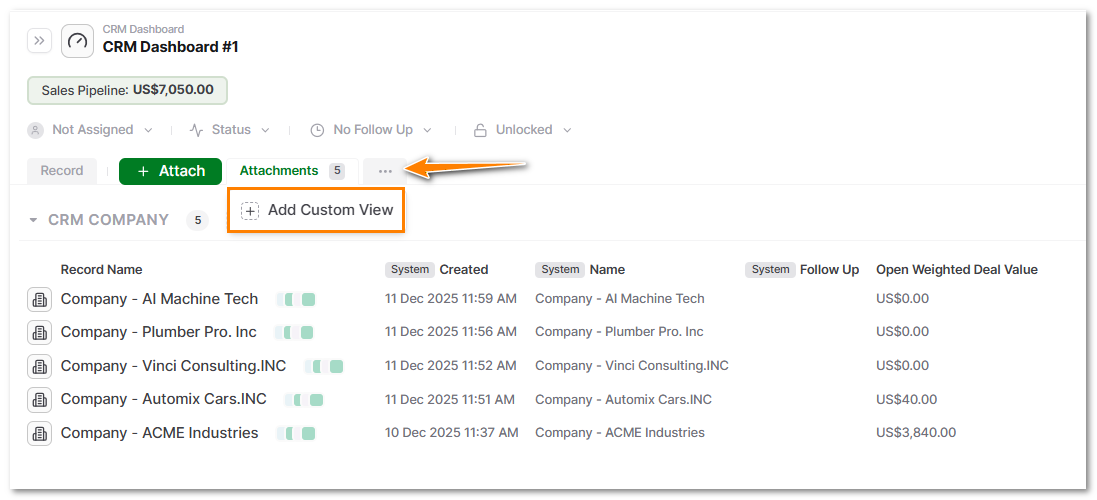
- On your master record, click the
three-dot menuand then select+ Add Custom View.
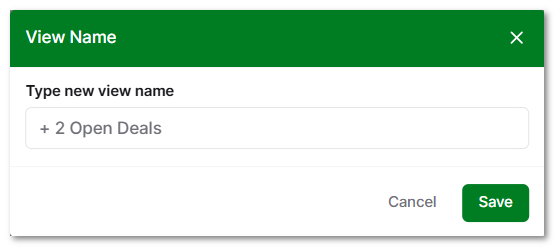
Type a namefor your tab view, and thensaveit.
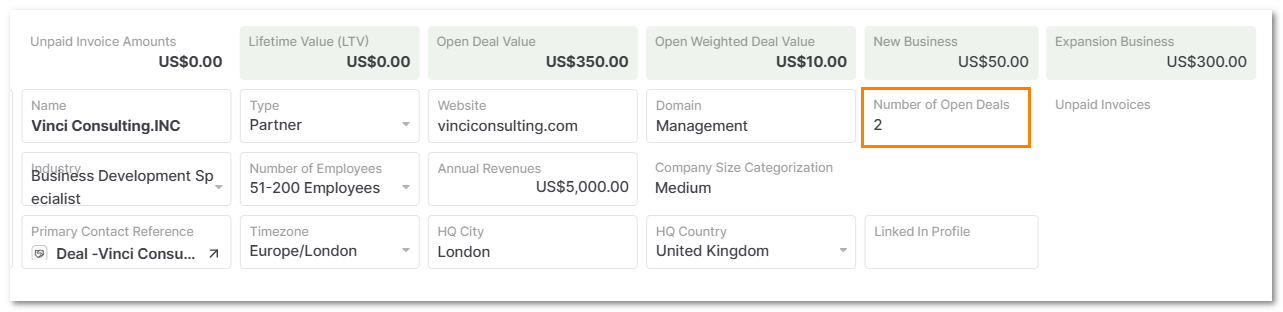
- Let’s filter companies that have 2 open deals or more.
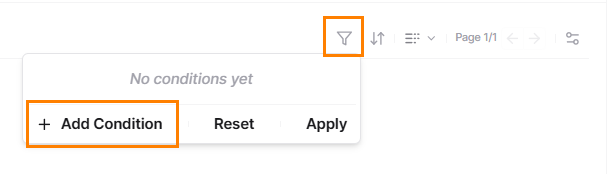
- Go to the filter bar on the right side of your screen,
click Filterand then, select+ Add Condition.
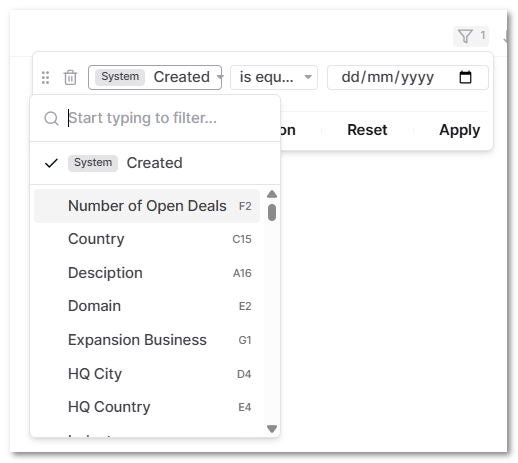
Selectfiltering criteria.
- Example: “Number of Open Deals”.
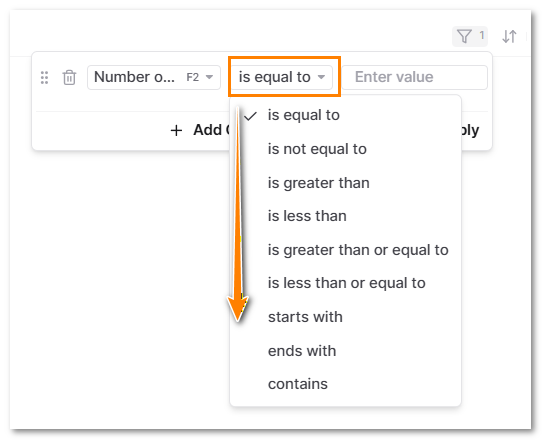
- Next, select: “is greater than or equal to”, Enter a value “2” and click on “Apply”.
- Click on
Save View
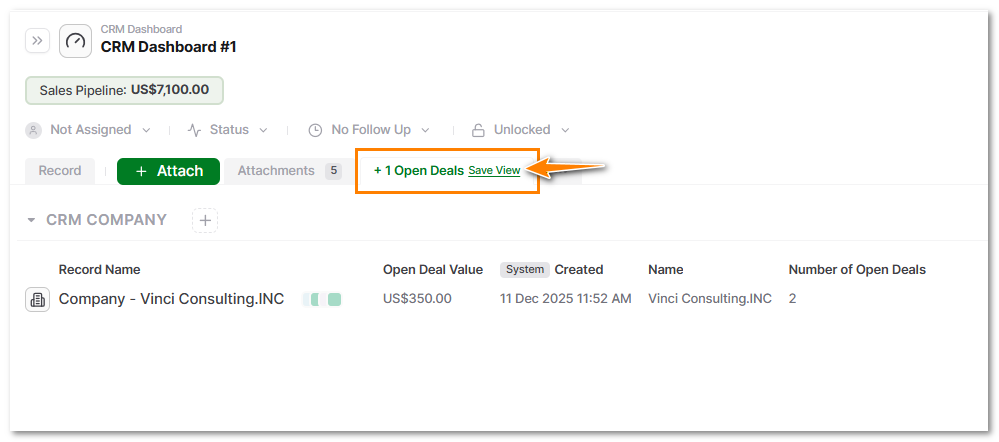
- Only one company has more than one open deal.
You can also share this view, which ensures that only the filtered records are accessed.
To do that just:
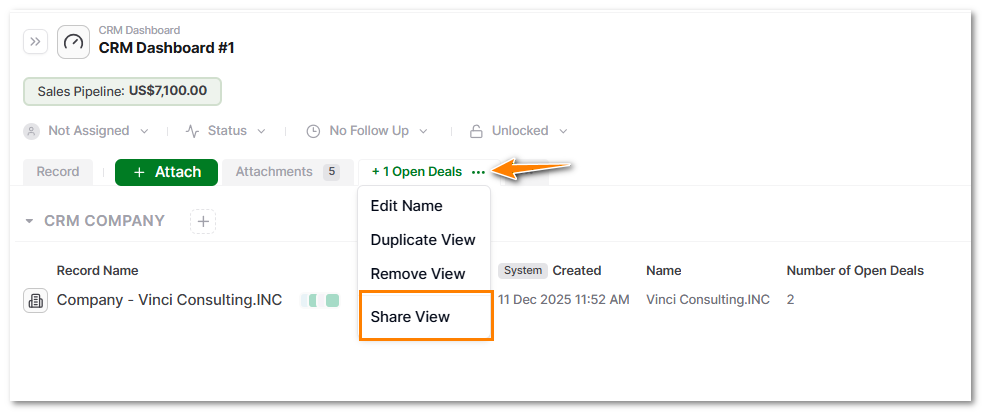
- click the
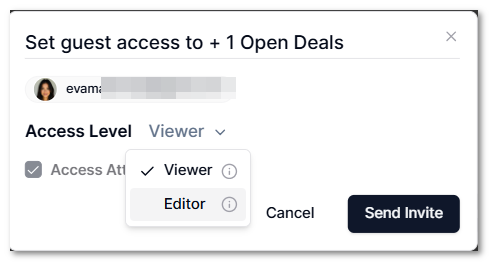
three-dot menufrom you new view tab and then selectShare View.
- Add the
user's email, select the access level, and then clickSend Invite.
- The user will be able to see the records in their portal.
Benefits
There is no need to clone data or build separate structures to share with internal or external users such as clients, contractors or partners.
To get more information, you can check our support page.