What is the correct way to enter a validation formula on a cell value that must be 0 or positive?
I tried =If(A4>0,A4,”value may not be negative”). But that does not work.
What is the correct way to enter a validation formula on a cell value that must be 0 or positive?
I tried =If(A4>0,A4,”value may not be negative”). But that does not work.
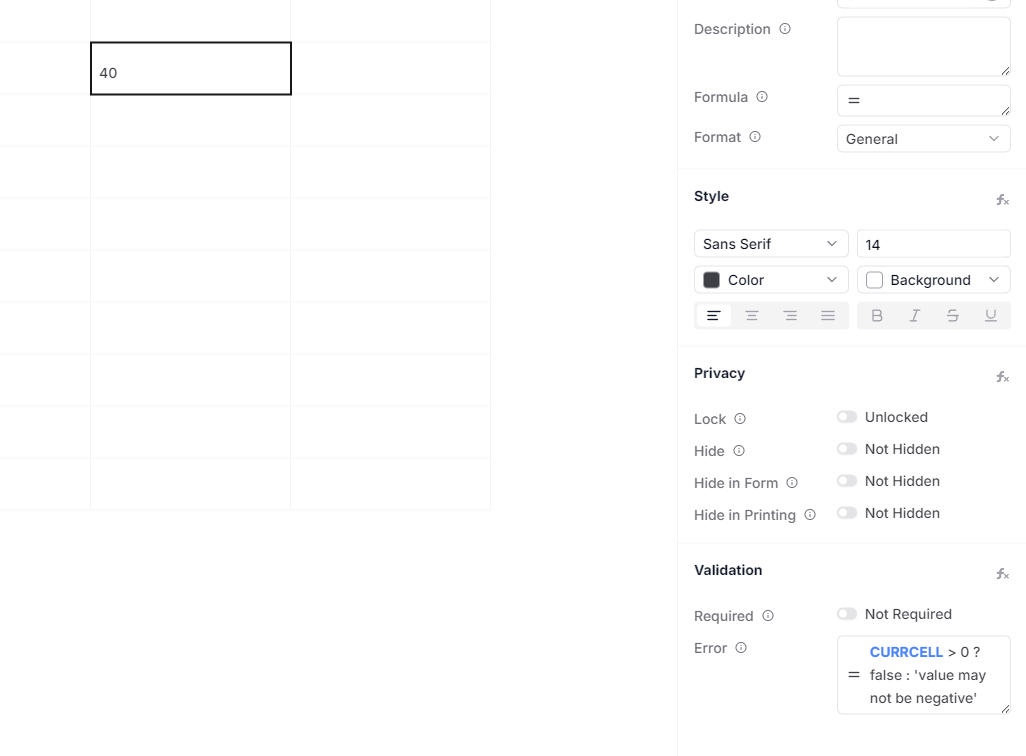
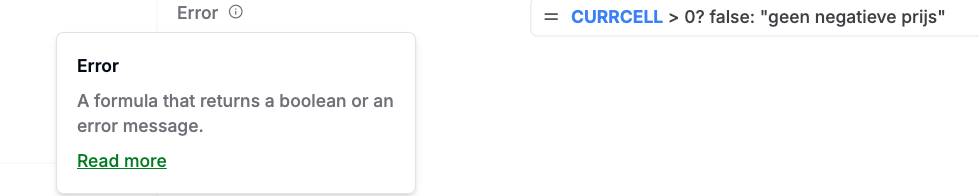
The right way to do that would be using this expression see
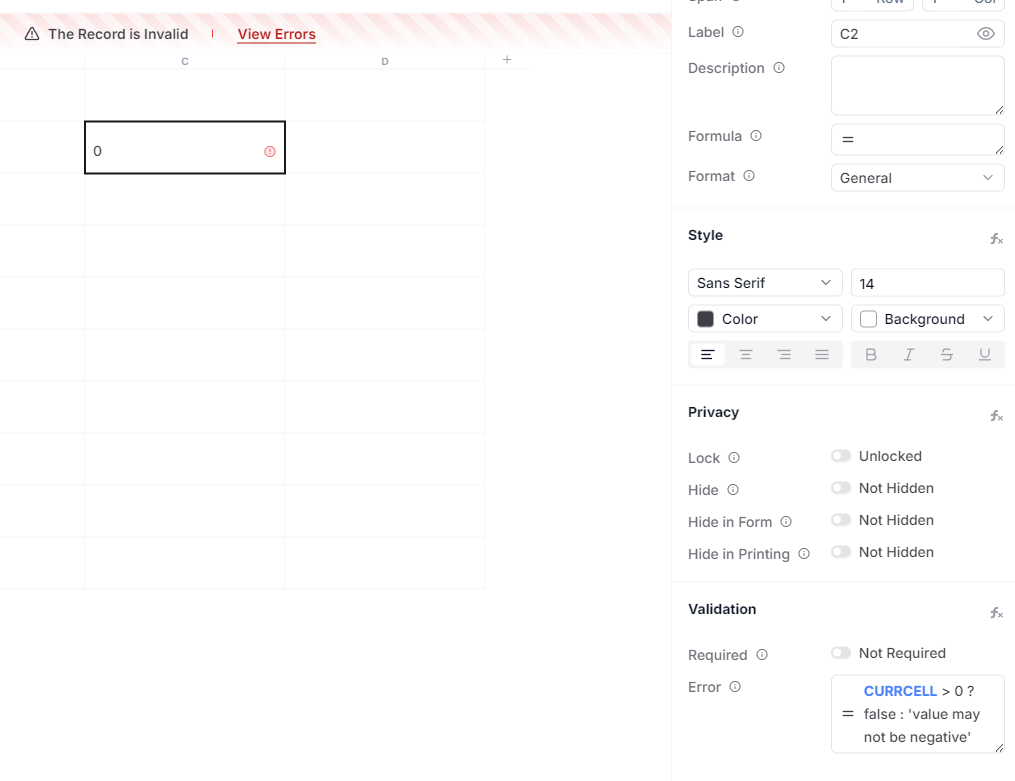
CURRCELL > 0 ? false : ‘value may not be negative’
If the value is zero, then the error is shown
For more details see the cell validation page
We see that the help is not linking to the right page and we need to add more examples. We will improve the docs soon.
As soon as I click the + to create a new Article records, it gives me the error-warning about the price field (value must be zero or positive) because the field is initially null/empty of course.
The validation should only be executed after I have entered a value. Or the field-value should be initialy set to 0 (witch is in this case a valid value).
Furthermore the short helptext is not correct.
Thanks we will fix the help text.
Regarding the error. one of the ways you can address this is to set the default value in the template itself to be 0. In that case when the new Article is created, it starts with the default value of 0 which doesn’t trigger the error.
Thanks. I was looking in the Cell Details (on the right side ) to set a default value. I did not realise it should be done in the cell itself.
What if the default/initial value is not a simpel value (like 0) but the outcome of a formula? Leaving the user still the possibility to change the initially (formula) set value.
What if the default/initial value is not a simpel value (like 0) but the outcome of a formula? Leaving the user still the possibility to change the initially (formula) set value.
This is a good question, in that case we would recommend making the formula return 0 even in case of an error.
= IFERROR( IF( {{Price}} > 20, 20, 15), 0)
here, the value 0 will be set if there is any error in the formula. this is based on the excel IFERROR function
Is this IFERROR(…) to be used in the Formula attribute of a Cell? If I use this as a formula to set a default value then the Cell-value can not be override anymore.
If you use a Formula fto set or initial/default value in a Cell, then that Cell-value can not be changed anymore?
Yes, a cell when it has a formula it becomes not editable anymore.
What I meant to say was that if your cell is using a formula, then you can use IFERROR to set a default value. If it is not a formula, then set the value to be 0 in the template itself.